Why You Should Use uv on Windows (And How to Automate It)
🚀 Why uv Is the Future of Python on Windows
If you’re still using:
pipvirtualenvpip-toolspoetry- manual activation scripts
You’re doing more work than necessary.
📊 Traditional vs uv Workflow
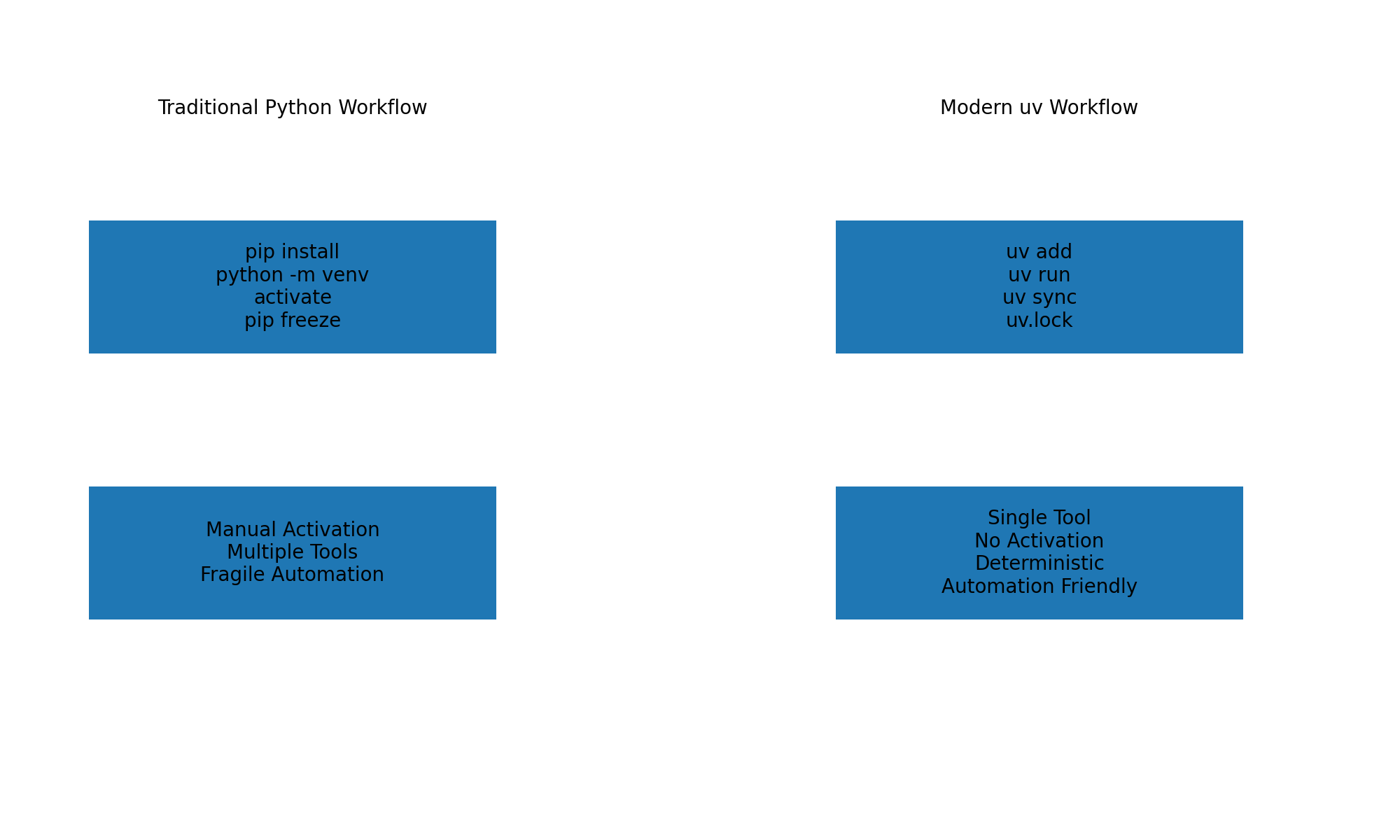
The diagram above shows how uv simplifies everything:
- One tool instead of many
- No activation scripts
- Built-in lockfile
- Automation-friendly execution
Helpful links
🪟 Installing uv on Windows 11
Recommended (Winget)
winget install Astral-sh.uv
Verify:
uv --version
Alternative (via pip)
pip install uv
📦 Starting a New Project
uv init myproject
cd myproject
uv add requests
uv run python script.py
No \.venv\Scripts\activate required.
🛠 Integrating uv with Windows Scheduled Tasks
Instead of activating environments, configure Task Scheduler to run:
uv run python C:\Scripts\backup.py
Benefits:
- Automatic environment handling
- Lockfile reproducibility
- Cleaner Windows automation
🏁 Final Verdict
If you’re building automated Python workflows on Windows 11, uv is
faster, cleaner, and more reliable than the traditional stack.
It removes friction.
It removes guesswork.
And it just works.